
Table of Contents
The Google Dreambeans app is an AI-powered experience designed to make everyday digital activities more personalised and convenient. It brings together useful information and connected services to help users discover content, organise their activities and access relevant updates.
With growing interest in AI-powered mobile applications in India, Dreambeans has attracted attention for its features, language support and integration with Google’s services. In this guide, we explain what the Google Dreambeans app does, how to download it, which languages it supports and what users should know about privacy.
What is Google Dreambeans?
Dreambeans turns selected information from your Google apps into a small collection of personalised stories. Instead of opening several apps and searching for ideas yourself, you may see suggestions related to your interests, plans and everyday activities in one place.
For example, a story might suggest a place to explore, an arts-and-crafts activity, or remind you about an upcoming event. You can open a story to learn more, bookmark it for later, or share it. Google describes Dreambeans as an experiment, so its features and experience may evolve.
How does the Dreambeans AI app work?
Dreambeans uses information from the Google services you explicitly choose to connect. Google’s India announcement lists these services:
- Google Calendar
- Gemini
- Gmail
- Google Photos
- Google Search
- YouTube
It uses selected context to generate a personalised collection of stories. The idea is to surface potentially useful or interesting things without requiring you to write a prompt every time. The app also lets you give feedback so its suggestions can become more relevant.
What makes the Google Dreambeans app useful?
The Google Dreambeans app aims to provide a more personalised digital experience by bringing relevant information and connected services together. Its usefulness depends on the features available to each user and the services they connect.
How to download Google Dreambeans in India
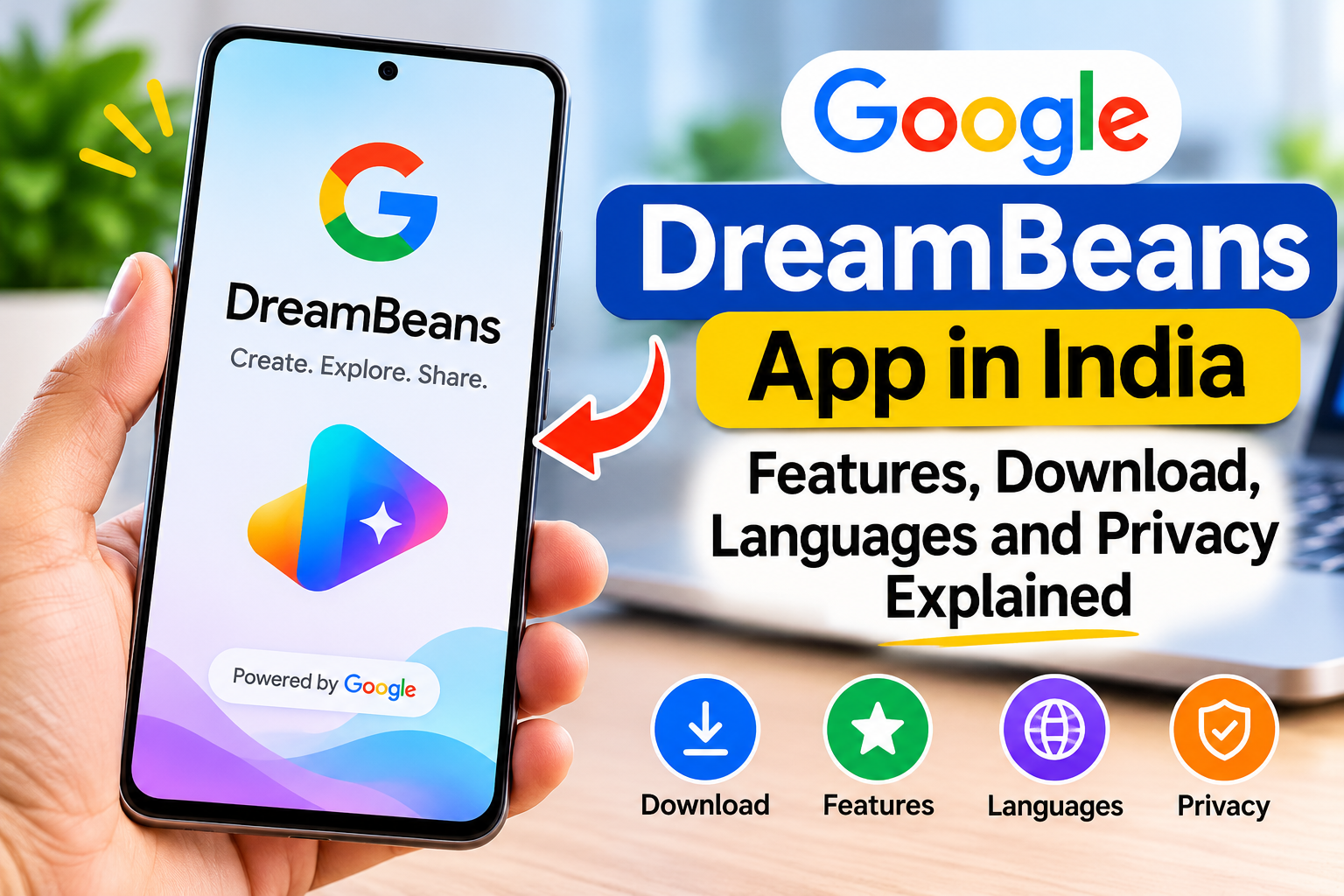
Dreambeans is available for Android and iPhone. To find the genuine app, use the official app store on your device:
- Open the Google Play Store on Android or the Apple App Store on iPhone.
- Search for Dreambeans and check that the listing is the official Google Labs app.
- Install the app and open it.
- Sign in with your personal Google Account and review the permissions and connected services it asks you to choose.
- Select the services you are comfortable connecting and choose your preferred supported language.
- Explore the story collection when it becomes available, then bookmark or share stories you find useful.
Availability and app-store requirements can change, so check the current listing on your device if you cannot install it.
Dreambeans supported languages in India
Google says Dreambeans supports 14 languages in India: English, Hindi, Bengali, Telugu, Marathi, Tamil, Urdu, Gujarati, Kannada, Malayalam, Odia, Punjabi, Assamese and Nepali. This wider language support makes the experiment more accessible to users across the country.
Is Google Dreambeans free to use?
Google’s India launch announcement confirms the app’s availability for eligible users aged 18 and above, but it does not specify a separate India subscription price in that announcement. Check the official app-store listing and in-app information for the latest terms rather than relying on unofficial pricing claims.
Is Google Dreambeans safe? What about privacy?
Privacy deserves attention because personalised stories can draw on information from connected Google services. Before enabling access, think about what each service may reveal. Email, calendar entries, photos and viewing activity can contain personal details.
- Connect selectively: Only enable services you are comfortable using for personalisation.
- Review permissions: Read the consent screens carefully before allowing access.
- Reconsider sensitive accounts: Avoid connecting information you do not want used to personalise stories.
- Check controls regularly: Review the app’s current settings to see how to change connected services, manage data or provide feedback.
Dreambeans is an experimental product. Read Google’s current privacy information and in-app controls before connecting personal data. Do not assume that an AI-generated suggestion is always accurate or that it replaces checking an original email, calendar event or source.
Read More: ChatGPT 5.2 vs Gemini 3 comparison Understand which AI model is better in 2026.
Google Dreambeans: Key details at a glance
| Detail | Information |
|---|---|
| Developer | Google Labs |
| India availability | 3 November 2026 |
| Platforms | Android and iOS |
| Age requirement | 18 years and above |
| Languages | English and 13 Indian languages |
| Connected services | Calendar, Gemini, Gmail, Photos, Search and YouTube |
| Purpose | Personalised daily story collections |
Frequently asked questions about Google Dreambeans
Is Google Dreambeans available in India?
Yes. Google announced its India expansion on 3 November 2026. The app is available on Android and iOS for users aged 18 and above.
Does Dreambeans work on Android and iPhone?
Yes. Google says the app is available on both Android and iOS. Use the Play Store or App Store on your device to check the current listing.
Which Google apps can Dreambeans connect to?
Google lists Calendar, Gemini, Gmail, Photos, Search and YouTube as supported connected services. You choose which services to connect.
Does Dreambeans support Hindi?
Yes. Hindi is among the 14 supported languages announced for India.
Is Dreambeans a normal chatbot like Gemini?
Not exactly. Dreambeans focuses on proactively creating personalised story collections from selected connected-app context, while Gemini is a general AI assistant that responds to prompts and supports a wider range of tasks.
Should I connect my Gmail and Google Photos?
Only if you are comfortable with the permissions and understand how the app uses connected information. You can choose services based on your privacy preferences; you do not need to connect every service just because it is listed.
Final thoughts
Google Dreambeans is an interesting experiment for people who want a more personalised way to discover ideas, reminders and activities from their existing Google ecosystem. Its India launch and support for 13 Indian languages alongside English make it worth exploring. However, because it can use personal information from connected services, take a moment to review permissions before getting started.
Official information: Google’s Dreambeans India announcement.
Further reading: Gadgets 360’s report on the India launch.